
You can make changes to the PINFL if it is registered to a legal entity. To make changes, you need to complete just 3 steps.
Step №1. Go to the website of the State Tax Committee of the Republic of Uzbekistan and navigate to the section – "Legal Entities"
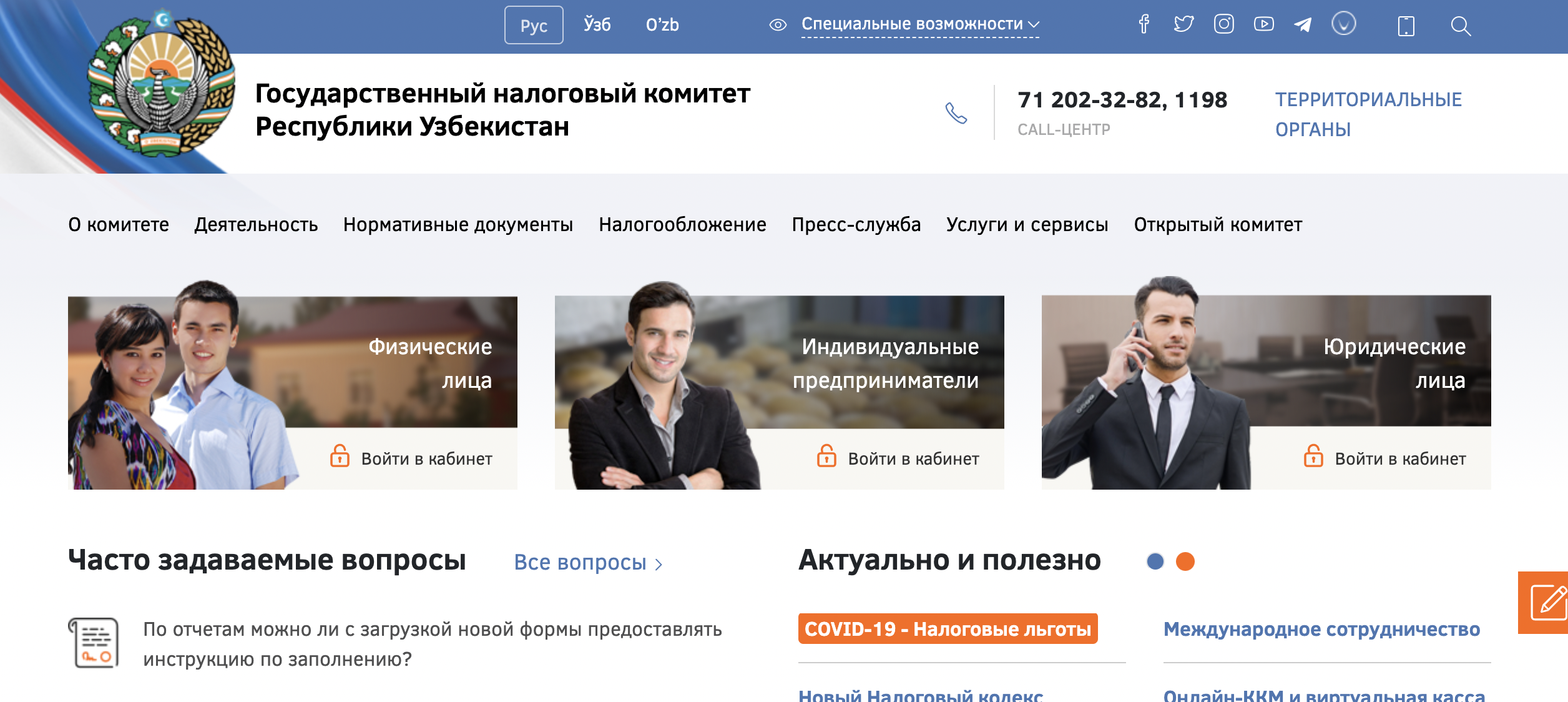
Next, you need to log in using the EDS registered to the legal entity, in the name of the current director
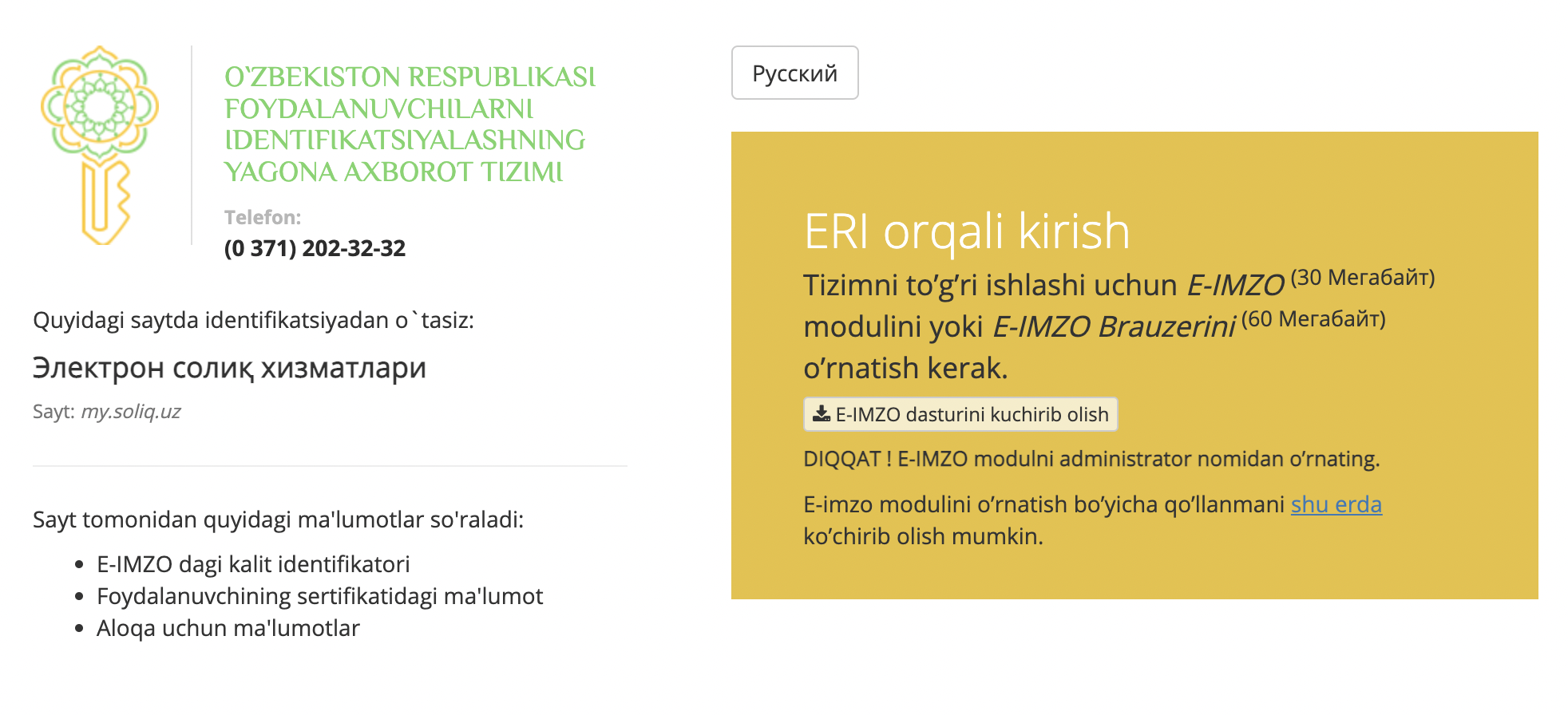
Step №2. Go to the "Credentials" section
To do this, click on the "Change Credentials" tab:
As a result, a window will open where you can see all the existing information about the user.
Step №3. Go to the "Change Credentials" tab
In the adjacent tab, you can change your credentials. Each field marked with an * is mandatory to fill out.
After you have entered all the data, click the "Submit" button
Verification of Changed Data
If all data is correct, your application will be marked in green. If the data is incorrectly filled out, your application will be marked in red, and the "Application Status" field will say "Rejected" – the reason for the rejection will be indicated in the "Additional Information" field.
Comments
Please sign in to leave a comment.